


Best AI Canvas Tools
Discover and compare the best canvas tools powered by AI.
Get weekly AI tool alerts:

Flora
8.9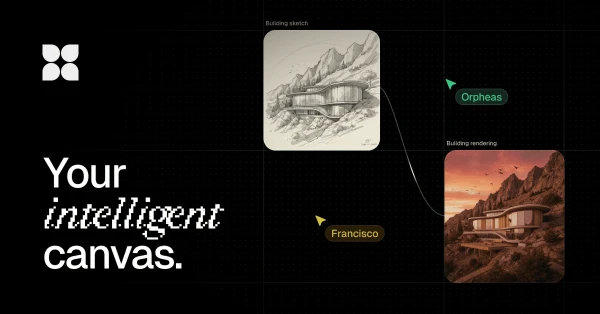
FLORA gives creative work a canvas instead of a series of disconnected prompts. You can generate and compare images, develop visual directions, and keep related assets together while exploring an idea. It is a useful workspace for designers and small creative teams who need to see several options side by side. The canvas becomes most valuable when you are iterating on a campaign or visual concept, rather than generating one isolated image.

Gumloop
8.7
Gumloop gives teams a way to connect AI agents to their business apps and shared information. Research, incoming requests, and recurring reports can become workflows you reuse rather than prompts you rebuild every week. Shared agents and access controls make it relevant when several people need the same process. It is worth comparing for work that crosses apps; a dedicated scheduler is a simpler purchase if all you need is to publish finished posts.

Rabbitholes
8.3
RabbitHoles, now called Slashspace, organizes AI work on a canvas where conversations can branch and share context. It is useful for research that keeps opening new questions: you can follow a thread without losing the wider picture. The spatial layout gives independent researchers and writers room to compare ideas alongside their source material. If long chat histories are becoming hard to navigate, this is a different way to organize the work.

ClickUp
7.9
ClickUp brings tasks, documents, communication, and project views into a shared workspace. You can shape the same work into lists, boards, or timelines depending on who needs to see it. That flexibility suits teams with several connected processes, but it also gives you more decisions to make during setup. Start with one workflow and a small set of views so the workspace stays understandable as more people begin using it.

Mindstudio
7.9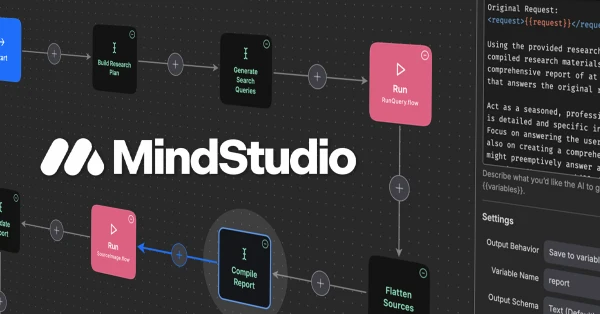
MindStudio gives non-developers a visual builder for AI agents, with templates and integrations to get a workflow started. You can arrange the steps, connect information sources, and define what the result should look like. It is particularly useful for someone who understands the business process but needs help turning it into a working tool. Custom code is still available when the visual pieces do not cover a requirement.