


Best AI Sales Tools
Discover and compare the best sales tools powered by AI.

Lindy
9.1
Lindy brings an AI assistant into the tools where your team works. It can use connected information, prepare reports, help with email, and run recurring tasks on a schedule. Shared meeting context and reusable skills make it useful for work that comes around every week. It is worth trying when the same administrative jobs keep interrupting your team and you can define what a good result should look like.

Cal.com
8.7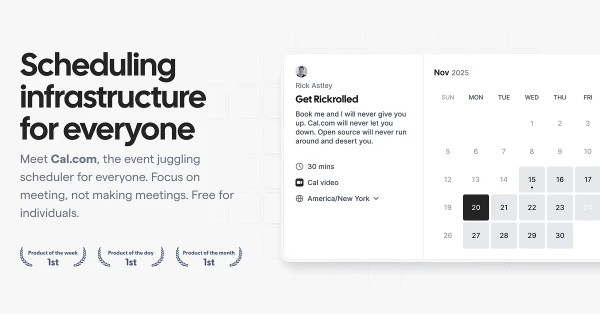
Cal.com takes care of booking links, availability, reminders, and routing a request to the right person. It is useful for consultants and teams that arrange a lot of external calls, particularly when the booking process needs questions or rules beyond picking an open slot. Its open-source foundation also gives technical teams more control over the setup. Choose it for the work of arranging meetings; transcription is a separate job.

Gumloop
8.7
Gumloop gives teams a way to connect AI agents to their business apps and shared information. Research, incoming requests, and recurring reports can become workflows you reuse rather than prompts you rebuild every week. Shared agents and access controls make it relevant when several people need the same process. It is worth comparing for work that crosses apps; a dedicated scheduler is a simpler purchase if all you need is to publish finished posts.

Instantly
8.6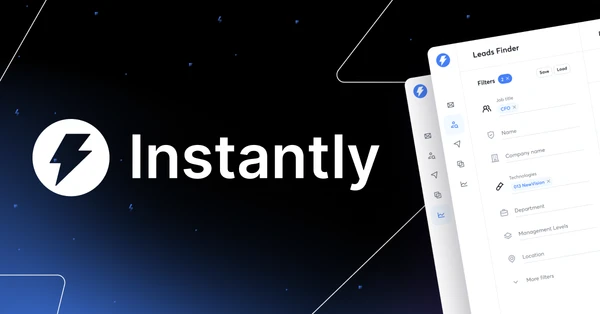
Instantly organizes cold-email campaigns across sending accounts, with sequences, lead tools, and reporting in the same platform. It is useful for a B2B sales team or agency running enough outreach that replies and follow-ups are difficult to manage manually. The value is in running a more organized process and seeing how campaigns perform. It cannot turn an irrelevant offer into an email someone wants to receive.

Granola
8.5
Granola is particularly appealing if you already jot down notes during calls. It combines that shorthand with the transcript to produce a fuller account, so the details you noticed help shape the summary. Audio capture happens without a meeting bot. The result feels close to a familiar notepad workflow, with a searchable record you can return to when the next conversation depends on what was agreed last time.

Folk
8.4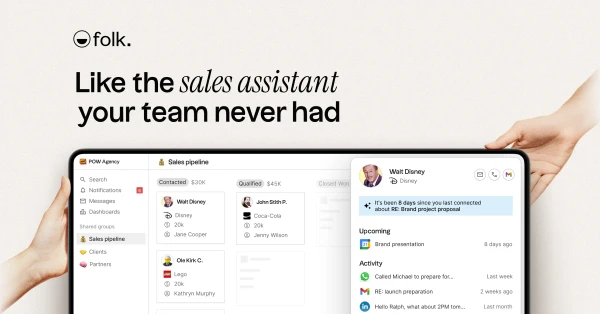
folk keeps contacts, conversations, and sales follow-ups in a CRM that feels manageable for a small team. Contact enrichment and AI research help fill in the background on a prospect before you reach out. It suits founders, agencies, and relationship-led sales teams that need a shared view of who is talking to whom. Start by putting one real pipeline into it and seeing whether the next action is easier to spot.

Jamie
8.4
Jamie captures conversations without joining the meeting as a bot, then turns them into transcripts, summaries, and action items. It works for people who move between online calls and conversations in person and want useful notes afterward. The strongest reason to try it is consistency across those different settings. Tell participants you are recording, then check a real meeting for the details that matter to your work, such as decisions and follow-ups.

Supercut
8.3
Supercut keeps recording and sharing close together. Capture your screen and camera, clean up the message, and send a link to a video your team or customer can watch in their browser. Chapters and branded presentation help longer explanations stay usable. It fits product updates, design feedback, and customer walkthroughs where the recording needs to look considered but should not turn into a separate video production project.

Testimonial
8.1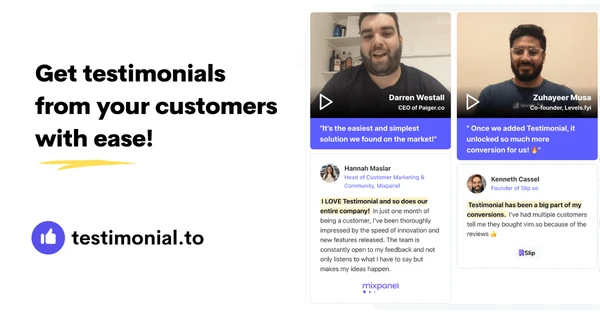
Testimonial gives customers a simple way to submit text or video feedback, then helps you display it on your website. Branded collection pages and embeddable widgets cover both ends of the process. It is useful for founders, agencies, and course creators with happy customers whose recommendations rarely make it onto a sales page. You collect the responses, choose the useful ones, and keep them visible where prospective buyers have questions.