

Best AI Note-Taking Tools
Discover and compare the best note-taking tools powered by AI.

Raycast
8.9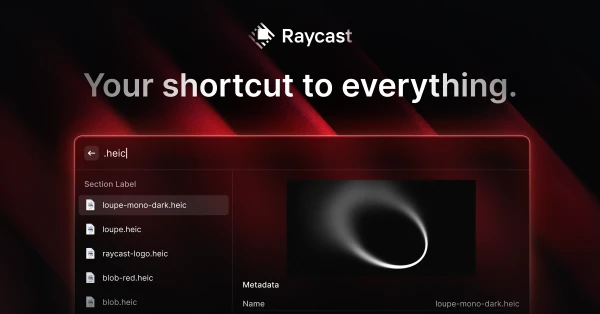
Raycast puts common desktop actions behind a keyboard shortcut: opening apps, finding a copied snippet, running commands, or asking AI for help. Extensions let you bring more of your existing workflow into the launcher. It is a good fit if small interruptions keep breaking your concentration throughout the day. The payoff comes from learning a few commands you use repeatedly, rather than installing every extension at once.

mymind
8.8
mymind is a private collection for images, links, notes, and references, with AI tagging to help you find things again. The visual layout is especially appealing for design inspiration: you can browse and recognize something without remembering its filename or title. It suits an individual collecting ideas over time. There is less emphasis on maintaining folders, so saving a useful reference does not come with an extra organizing task.

Routine
8.6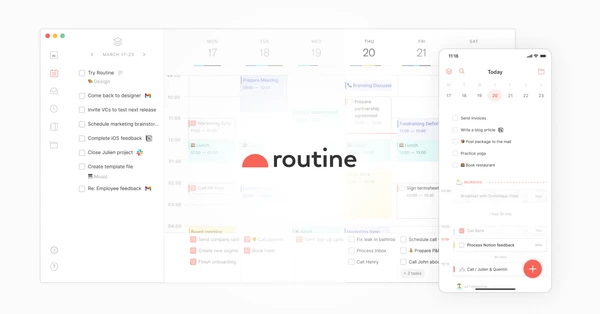
Routine keeps tasks, calendar events, and notes together, with quick capture for the things that occur to you during the day. A meeting can sit beside its context and the follow-up it creates. It is an appealing choice if managing several separate productivity apps has become a task in itself, and you want a daily planning system you can understand at a glance.

Granola
8.5
Granola is particularly appealing if you already jot down notes during calls. It combines that shorthand with the transcript to produce a fuller account, so the details you noticed help shape the summary. Audio capture happens without a meeting bot. The result feels close to a familiar notepad workflow, with a searchable record you can return to when the next conversation depends on what was agreed last time.

Jamie
8.4
Jamie captures conversations without joining the meeting as a bot, then turns them into transcripts, summaries, and action items. It works for people who move between online calls and conversations in person and want useful notes afterward. The strongest reason to try it is consistency across those different settings. Tell participants you are recording, then check a real meeting for the details that matter to your work, such as decisions and follow-ups.

Voicenotes
8.2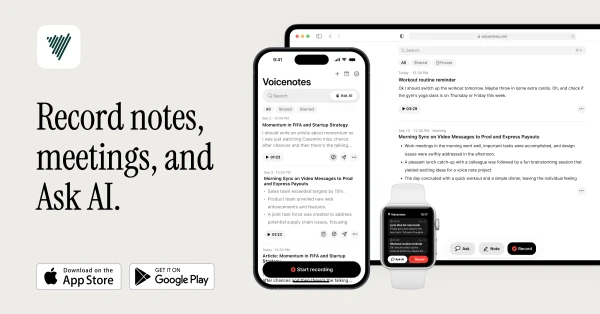
Voicenotes gives spoken ideas and meeting conversations somewhere useful to go. Record audio, get a transcript, and ask questions across your notes when you need to recover a detail. It fits people who think aloud or move between meetings and personal research throughout the day. The reason to choose it over a basic recording app is what happens afterward: you can search and work with the contents of the recording.