


Best AI Productivity Tools
Discover and compare the best productivity tools powered by AI.

Hermes Agent
9.3
A free, open-source agent for recurring research, development and operational work, with reusable skills, persistent memory, official Desktop and specialist Bots. Optional Portal credits and Cloud hosting simplify parts of the setup without making usage unlimited.

Raycast
8.9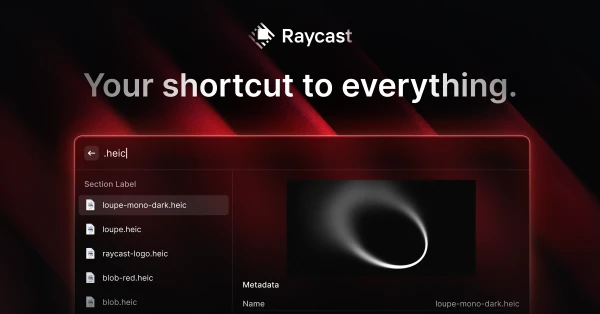
Raycast puts common desktop actions behind a keyboard shortcut: opening apps, finding a copied snippet, running commands, or asking AI for help. Extensions let you bring more of your existing workflow into the launcher. It is a good fit if small interruptions keep breaking your concentration throughout the day. The payoff comes from learning a few commands you use repeatedly, rather than installing every extension at once.

Composio
8.7
Composio connects AI assistants and custom agents to more than 1,500 apps with managed authentication and on-demand tool discovery. Use its connectors and plugins with an existing assistant, or its SDKs to build integrations into your own product. Hobby is free; Pro costs $29 per month with usage credit.

Grok Bot
8.6
Named cloud agents with shared files and app sessions, reusable skills, and scheduled routines. A strong fit for recurring operations work, with paid-plan access, weekly allowances, and optional on-demand charges.

Instinct
8.4
A text-and-call personal assistant for connected inbox, scheduling and everyday errands. Best considered for supervised personal admin; access can involve a waitlist, and subscription prices and usage allowances are unpublished.

Aside
8.3
Aside puts a personal AI agent in a desktop browser, with editable local memory, model connections and recurring routines. Compare it with Comet, Dia, Browser Use and Sigma to choose between daily browsing, on-device AI and hosted automation.

Poke
8.3
Poke puts an AI assistant into the messaging apps you already check. Connect the tools you use, ask for help in a conversation, and set up recurring work or reminders. It suits people who would rather send a message than open another productivity dashboard. The appeal is easy access throughout the day, especially for small administrative jobs that are useful to hand off as soon as they occur to you.

Dot
8.2
A persistent personal agent for existing ChatGPT users who want ongoing work across apps and Codex. The first Dot is included on eligible plans, but region restrictions and unquantified deeper-work limits matter.

Muse
8.1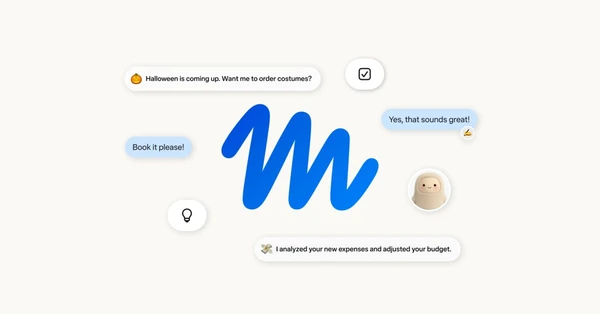
Meta’s managed personal agent combines a persistent browser, background goals and connected apps. Free entry suits an initial trial; paid plans add weekly Muse-token capacity.

OpenClaw
7.9
A free, open-source personal agent built around a persistent Gateway, messaging channels and companion devices. Its memory, learning and automation suit technical operators willing to manage a runtime and separate model, tool and hosting costs.