


Best AI Calendar Tools
Discover and compare the best calendar tools powered by AI.

Amie
8.6
Amie connects meeting notes to the rest of the workday. Bot-free recording and summaries feed into tasks, calendars, and connected tools, helping the follow-up move beyond a document someone has to revisit. It is a useful fit for people handling several client calls or meetings that regularly create new work. The combination is the attraction: capture the conversation, then use its context to decide and organize what happens next.

Routine
8.6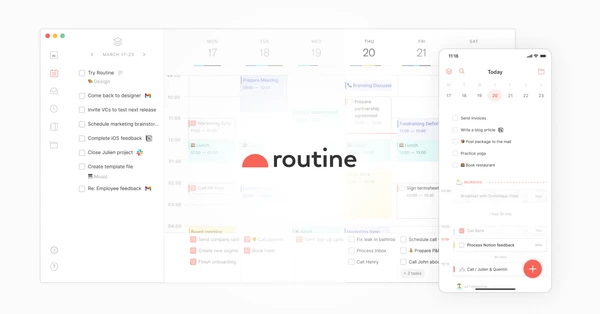
Routine keeps tasks, calendar events, and notes together, with quick capture for the things that occur to you during the day. A meeting can sit beside its context and the follow-up it creates. It is an appealing choice if managing several separate productivity apps has become a task in itself, and you want a daily planning system you can understand at a glance.

Akiflow
8.3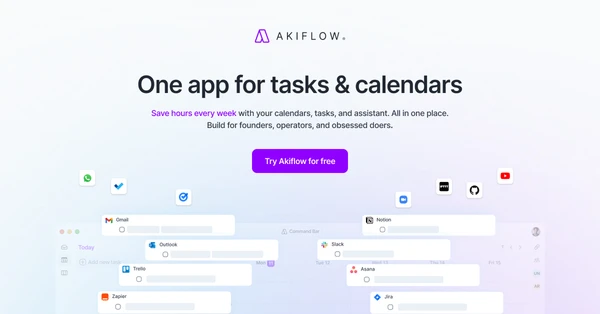
Akiflow brings tasks from different apps into a planner where you can give them time on your calendar. That connection is useful when your task list keeps growing but your schedule is already full. Quick capture and a consolidated inbox help you decide what belongs in the day. It suits people who want to plan their work deliberately and see the tradeoff when a new task competes with existing commitments.

Motion
8.1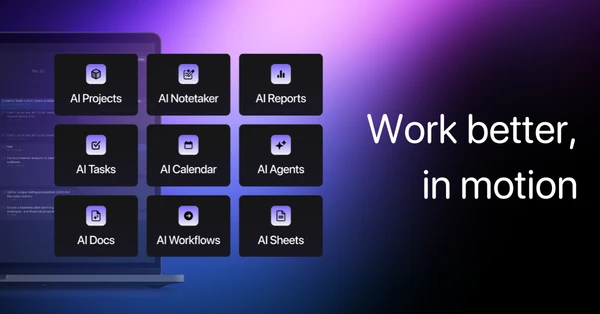
Motion schedules tasks around the meetings and deadlines already on your calendar. Give work an estimated duration and a due date, and the planner can rearrange it as the day changes. It suits people whose plans regularly get interrupted and who spend too much time rescheduling by hand. The quality of the plan depends on your inputs: unrealistic estimates will still produce a day that is difficult to finish.

ClickUp
7.9
ClickUp brings tasks, documents, communication, and project views into a shared workspace. You can shape the same work into lists, boards, or timelines depending on who needs to see it. That flexibility suits teams with several connected processes, but it also gives you more decisions to make during setup. Start with one workflow and a small set of views so the workspace stays understandable as more people begin using it.