


Best AI Video Editing Tools
Discover and compare the best video editing tools powered by AI.

OpusClip
8.9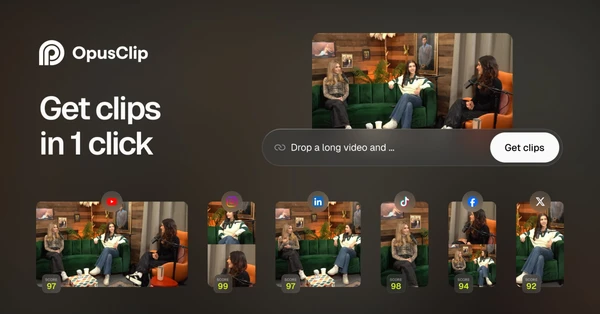
OpusClip finds potential short clips inside podcasts, interviews, and other long recordings, then reframes them and adds captions. For a creator sitting on hours of footage, that first selection pass is the useful part. You still choose which excerpts stand on their own, but you can spend the edit improving a shortlist instead of searching the entire recording for somewhere to cut.

Descript
8.7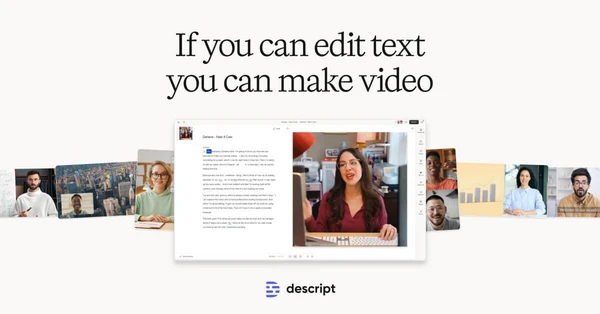
Descript treats the transcript as an editing surface: remove a sentence from the text and the corresponding audio or video comes out too. That is a comfortable way to shape interviews, podcasts, and talking-head videos, where the edit follows what was said. Recording and audio cleanup tools sit alongside it. The main reason to choose Descript is that finding and cutting words can be easier than hunting through a waveform.

Screen Studio
8.7
Screen Studio gives Mac recordings automatic zooms, smooth cursor movement, and clean framing. Small actions on screen become easier to follow, which is particularly useful in product demos and software tutorials. You can refine the presentation after recording, including the zoom points. Its strength is the quality of those defaults: a straightforward walkthrough can look deliberately edited without much setup. The main constraint for a team is that it is a macOS app.

Arcads
8.6
Arcads turns ad scripts into talking-head videos using AI actors. Performance marketers can compare hooks, messages, and presenters without arranging a separate shoot for each variation. It is useful when creative testing is already part of your ad process and producing enough versions is the obstacle. The result is an AI performance, so it should not be presented as a real customer giving a personal testimonial.

Gling
8.1
Gling handles the rough cleanup of spoken video by removing silences, filler, and unwanted takes. For a YouTube creator recording regularly, those small cuts can consume a surprising amount of editing time. You review the result and continue with the finishing work. It is most useful on talking-head footage with a clear spoken structure, where the first edit is largely deciding what to remove.

Tella
8.1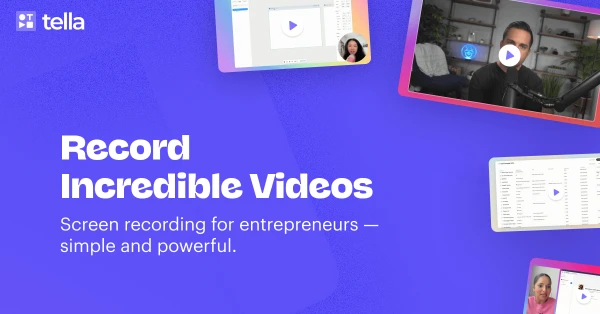
Tella combines screen and camera recording with an editor built for polishing the result quickly. Transcript edits, layouts, zooms, and backgrounds help turn a rough walkthrough into a video you can share with customers or students. It is a strong fit for founders and course creators who record often but do not want every lesson to become a full editing project. The appeal is how closely recording, cleanup, and sharing fit together.